What driver documents can TTMS Fleet Mini organize?
Fleet Mini can organize rate confirmations, bills of lading, proofs of delivery, pickup or delivery receipts, lumper receipts, scale tickets, fuel receipts, reefer or hazmat records and exception evidence such as damage photos.
TTMS FLEET MINI
Document center,
in your pocket.
Capture BOL, POD, receipts, scale tickets, exception photos and compliance files with load, stop, uploader, time and review context.
Explore the app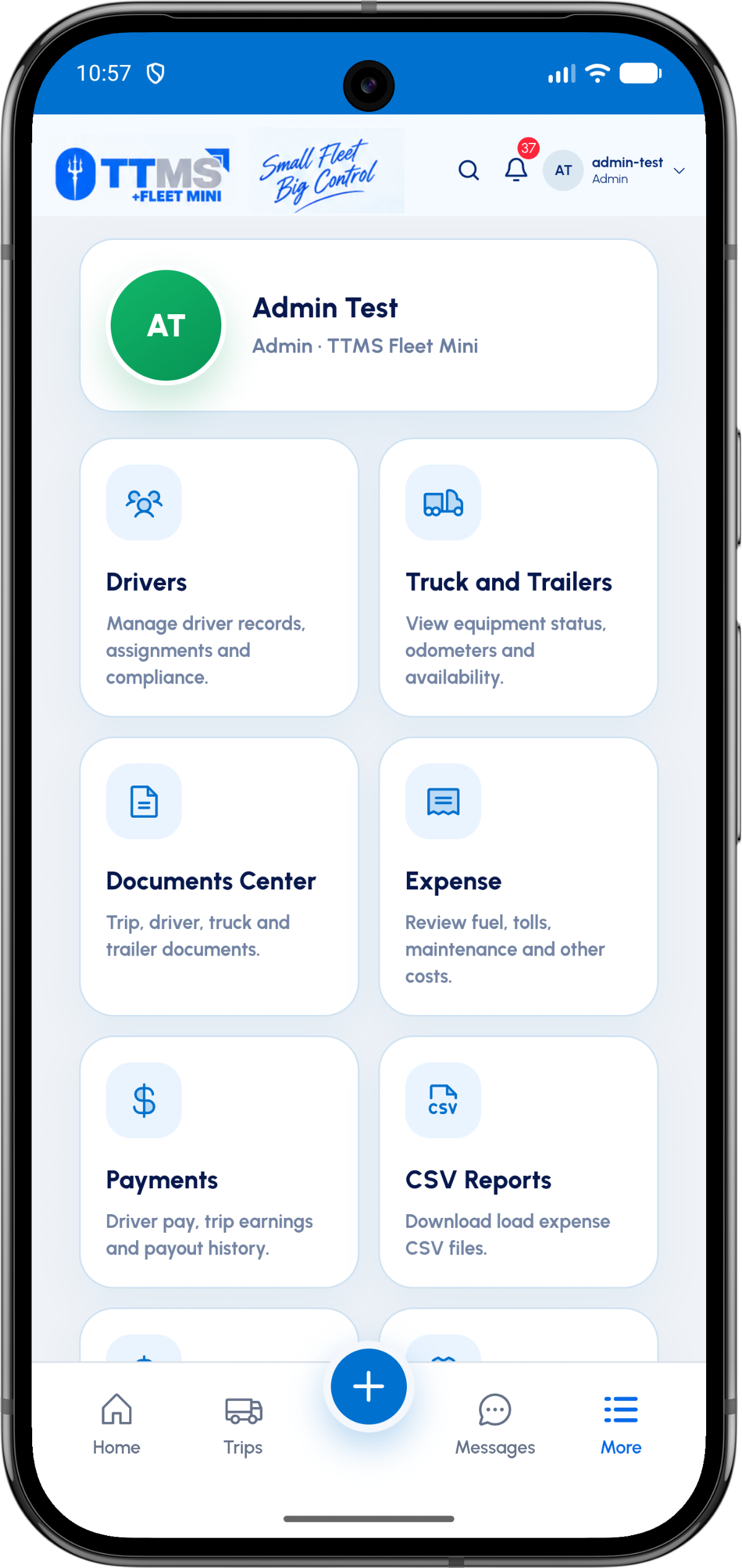
- Core metadata
- Type, load, stop, uploader and timestamp
- Common freight files
- Rate confirmation, BOL and POD
- Cost evidence
- Fuel, lumper, toll and scale receipts
- Exception evidence
- Damage, OS&D, rejection and detention files
Classify at upload time
A file named IMG_2048 does not explain whether it is a POD, receipt or damage photo. Document type is a first-class field, not a filename convention.
Capturing the uploader, timestamp, load ID and optional stop ID gives the owner enough context to review it quickly.
Different documents serve different moments
Pickup workflows commonly need a BOL or pickup receipt. Delivery workflows commonly need signed POD evidence. Expenses may need a receipt, while exceptions may need several photos and notes.
The app should allow multiple files when the real event produces multiple pages or images.
Review without blocking capture
Drivers need a fast upload path on the road. The owner can later mark files accepted, rejected or needing a clearer image without losing the original.
Visible validation helps the driver correct a missing or unreadable document before the trip is closed.
OPERATIONAL SEQUENCE
A workflow an owner and driver can both follow
The route ribbon makes the relationship between actions visible. Each step leaves context for the next person and the final review.
- 1Choose the load and stop
- 2Select the document type
- 3Capture or select files
- 4Upload with time and author
- 5Owner reviews the evidence
QUESTIONS & ANSWERS
Questions fleets ask
How many documents can a stop require?
The workflow should allow multiple required or optional files because a single pickup or delivery may produce several pages, receipts and photos.
Can documents be linked to equipment?
Yes. The Documents Center can also organize driver, truck and trailer records separately from trip documents.
What happens if a photo is unreadable?
The reviewer can flag it for replacement while preserving the upload history and its relationship to the load.
Should the app store only a file URL in chat?
The authoritative record should stay in Fleet Mini; chat can show a secure link or event that opens the document in the app.
Last reviewed: September 18, 2026. Product scope and terminology checked against the current mobile experience.