Does TTMS Fleet Mini support multi-stop loads?
Yes. A Fleet Mini load can represent multiple ordered pickup and delivery stops. Each stop can carry its location, appointment window, sequence, operational events, notes and related documents.

TTMS FLEET MINI
Ordered stops,
in your pocket.
Model multiple pickups and deliveries in order, record stop-level events and documents, and show clear progress for a multi-stop trucking load.
Explore the app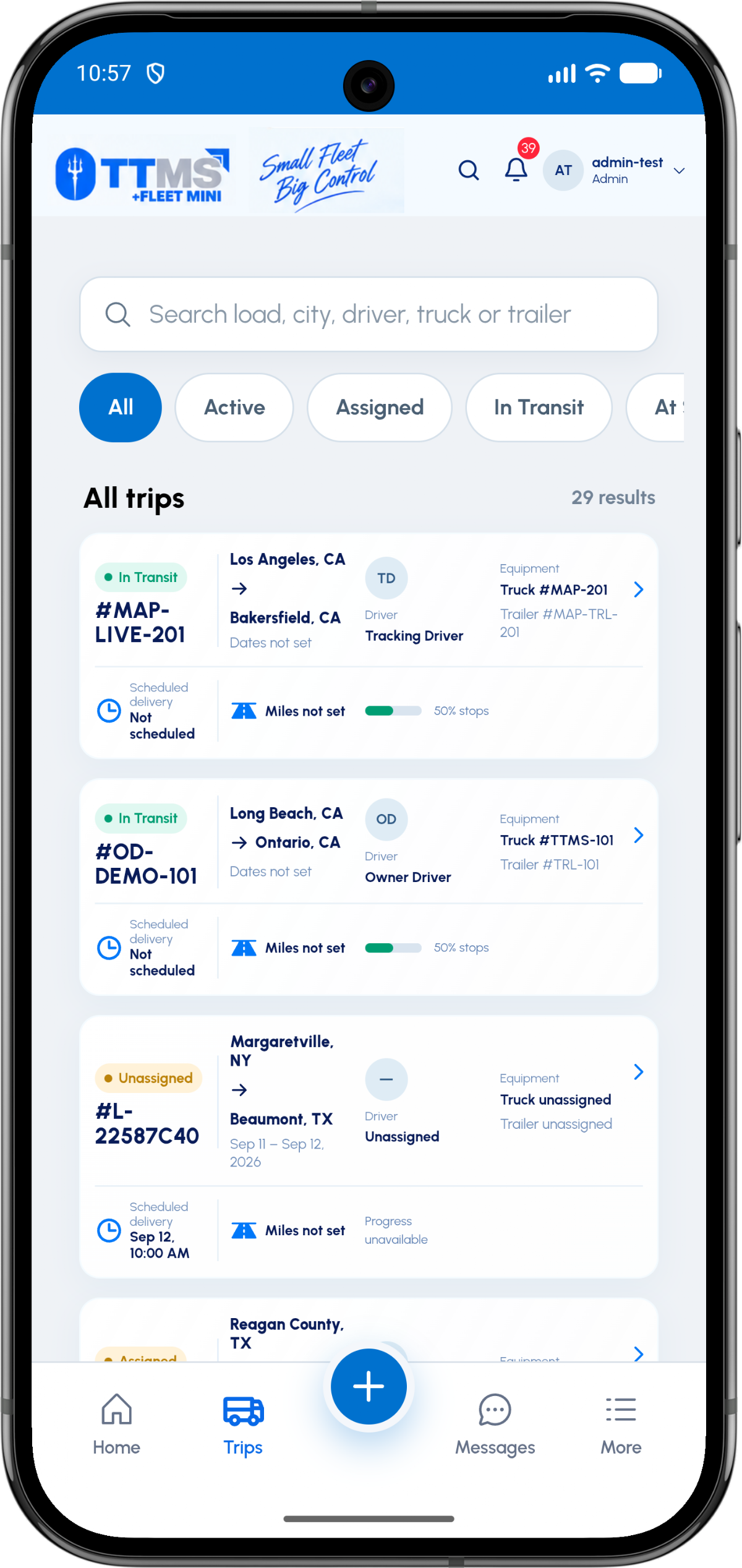
- Sequence
- Explicit ordered stop number
- Stop types
- Pickup, delivery and operational stops
- Stop evidence
- Events, notes and documents
- Progress
- Completed stops relative to total stops
A realistic four-stop example
Consider a load with pickups in Dallas and Austin, followed by deliveries in Houston and New Orleans. The driver needs the exact order, freight context and appointment window for each location.
The owner needs to see which stop is next, which are complete and whether a delay affects a later appointment.
Stop-level evidence matters
A BOL may belong to the first pickup, a lumper receipt to a delivery and a damage photo to one specific location. Attaching all files only to the load loses that detail.
Stop IDs preserve the operational meaning of the file while the load remains the parent record.
Progress without ambiguity
A multi-stop progress indicator should be based on completed stops and event state, not only GPS distance. A truck can be physically close to the destination while required work remains unfinished.
Clear stop status helps the owner explain delays and helps the driver focus on the next action.
OPERATIONAL SEQUENCE
A workflow an owner and driver can both follow
The route ribbon makes the relationship between actions visible. Each step leaves context for the next person and the final review.
- 1Pickup 1: Dallas
- 2Pickup 2: Austin
- 3Delivery 1: Houston
- 4Delivery 2: New Orleans
- 5Review all stop evidence
QUESTIONS & ANSWERS
Questions fleets ask
Can one load have two pickups and two deliveries?
Yes. Each pickup and delivery is stored as an ordered stop under the same load.
Can a document be linked to only one stop?
Yes. A document can remain part of the load while also carrying the stop ID that gives it precise context.
How should stop progress be calculated?
A practical measure is completed operational stops divided by required stops, with exceptions shown separately rather than hidden inside the percentage.
What happens if the stop order changes?
The owner or dispatcher should update the sequence and notify the driver while preserving an event history of the operational change.
Last reviewed: September 18, 2026. Product scope and terminology checked against the current mobile experience.