What payment information can TTMS Fleet Mini organize?
Fleet Mini can organize driver pay, trip earnings, payout history and related invoice records alongside the completed load. Payment status can be reviewed with trip documents and expenses without turning chat messages into the financial ledger.

TTMS FLEET MINI
Driver pay and trip earnings,
in your pocket.
Review driver pay, trip earnings, payout history and invoice records in context with completed loads, expenses and trip-envelope status.
Explore the app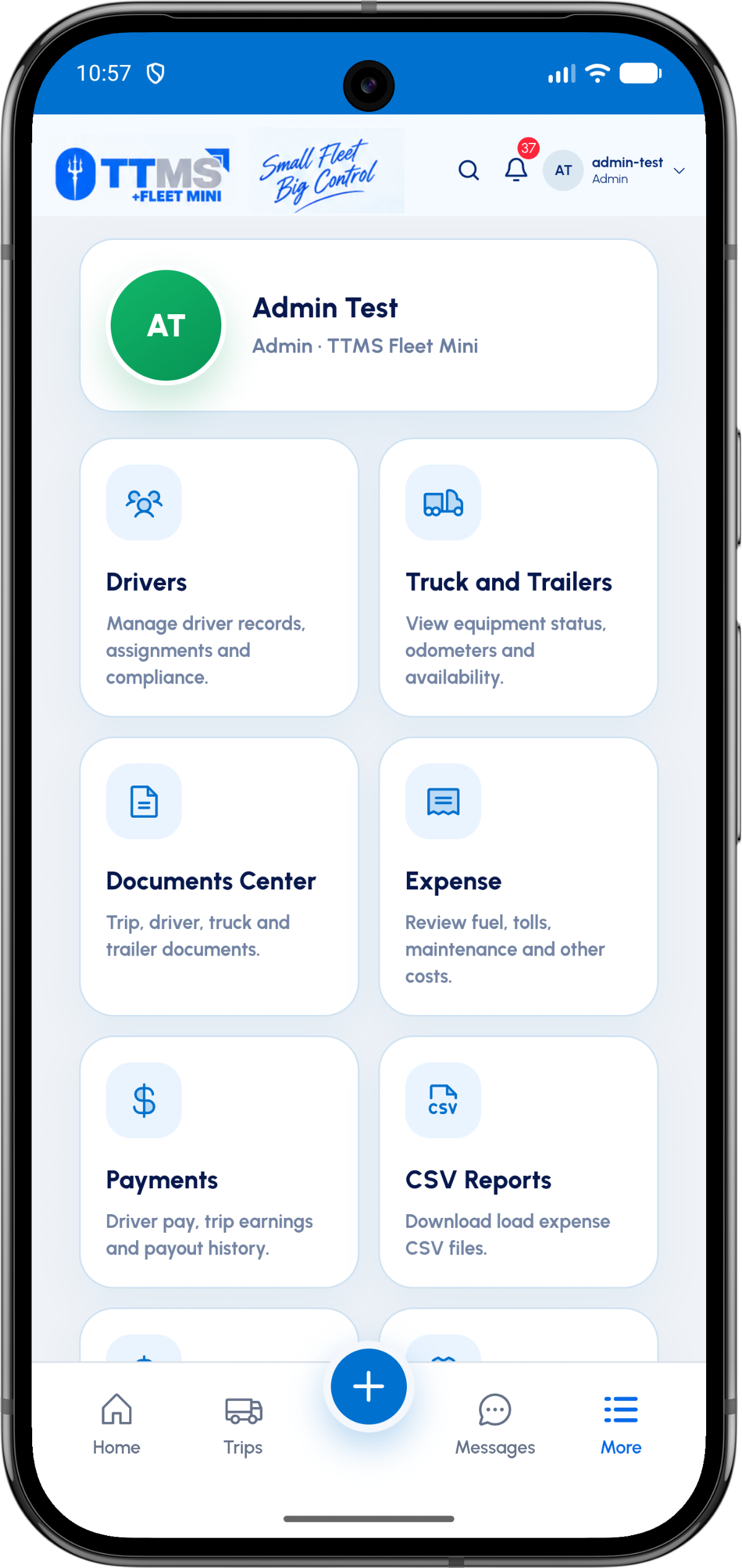
- Primary relationship
- Completed load and driver
- Visible values
- Earnings, adjustments and status
- History
- Timestamped payout states
- Boundary
- Provider and accounting ledger remain authoritative
Link pay to completed work
A payment record is easier to understand when it references the load, driver, earning components and relevant deductions or reimbursable expenses.
The trip envelope provides completion context before a payout is marked ready.
Make statuses explicit
Draft, under review, approved, paid, failed and cancelled are different states. Timestamps and actors should show how the record moved between them.
A failed transaction should not appear as paid simply because a payment attempt exists.
Provide durable invoice access
The authorized owner should be able to view or download invoice and payout documents without depending on an old message thread.
Payment providers and accounting systems remain authoritative for their own transaction and ledger records.
OPERATIONAL SEQUENCE
A workflow an owner and driver can both follow
The route ribbon makes the relationship between actions visible. Each step leaves context for the next person and the final review.
- 1Load and envelope complete
- 2Calculate earning components
- 3Owner reviews payout
- 4Record payment result
- 5Expose invoice and history
QUESTIONS & ANSWERS
Questions fleets ask
Can a driver see payout history?
An authorized driver view can show trip-linked payment status and history intended for that driver.
Can an admin cancel a payment record?
Cancellation should be a permission-controlled state change with a reason and audit event; provider-side cancellation rules still apply.
Can invoices be downloaded?
Yes. Authorized users can be given access to invoice or payout documents stored for the payment record.
Does Fleet Mini replace a payment processor?
No. It can coordinate payment context and status while the payment provider executes and records the financial transaction.
Last reviewed: September 18, 2026. Product scope and terminology checked against the current mobile experience.