Does TTMS Fleet Mini replace an electronic logging device?
No. Fleet Mini’s phone tracking supports operational visibility, while certified hours-of-service and vehicle data should come from compliant ELD hardware and services such as TTMS Connect. An integration can show relevant ELD context beside the active load.
TTMS FLEET MINI
Connected compliance data,
in your pocket.
Understand how TTMS Fleet Mini can use TTMS Connect ELD data alongside mobile load workflows while keeping certified HOS records authoritative.
Explore the app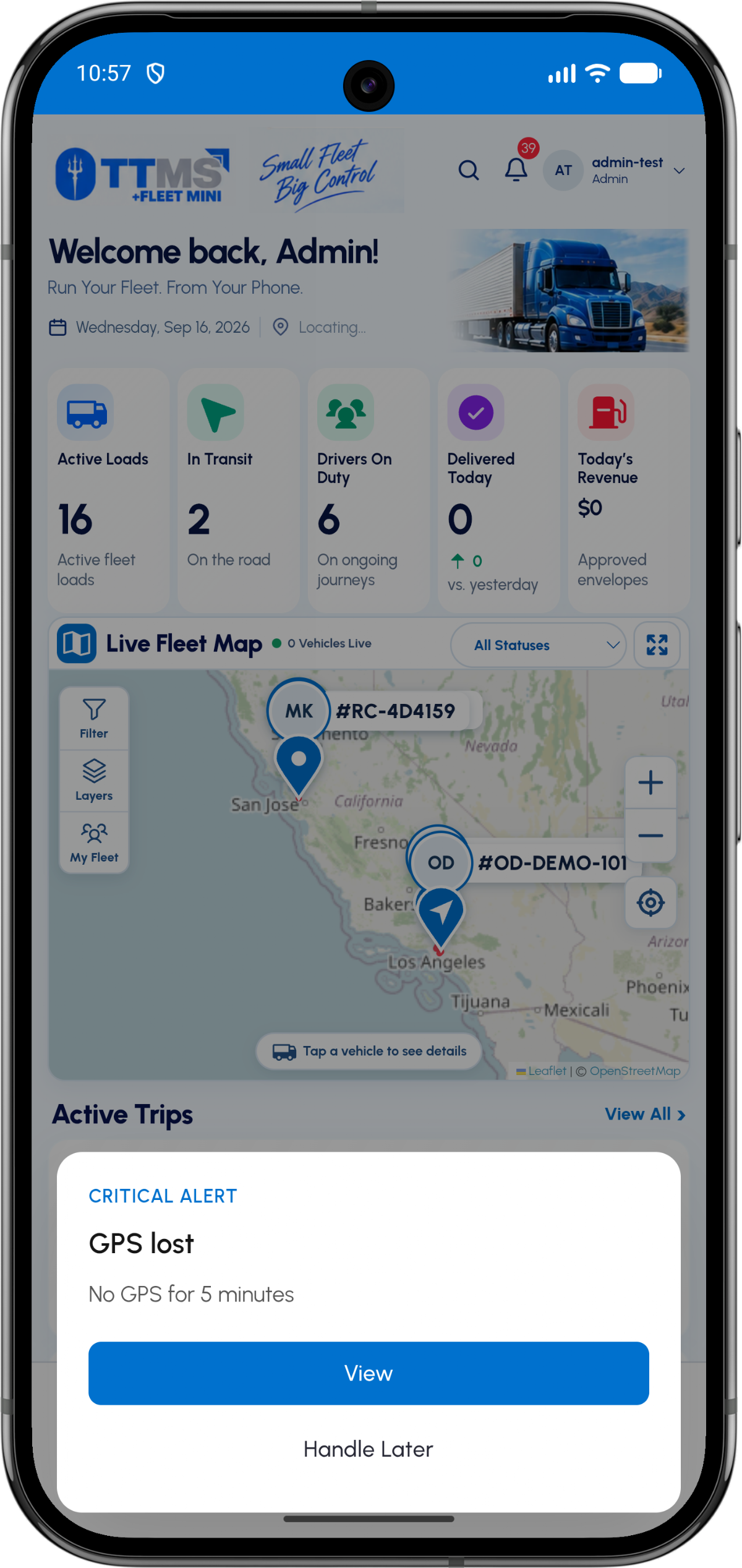
- Certified source
- Compliant ELD hardware and service
- Fleet Mini role
- Load and trip operations
- Integration keys
- Driver, vehicle and company mapping
- Failure state
- Visible stale or disconnected status
Two systems, clear authority
The ELD is authoritative for records it is certified to capture. Fleet Mini is the operating workspace for loads, stops, documents, costs and communication.
Keeping those responsibilities explicit prevents a phone estimate from being mistaken for a compliance record.
Connect useful context
A driver, vehicle and active-load mapping can let Fleet Mini show relevant availability or duty context without copying the entire ELD experience.
Integration events should carry source, timestamp and freshness so users know where the data came from.
Design for outages
If the ELD connection is stale or unavailable, the UI should say so. The mobile app can continue its permitted operational workflow without fabricating HOS status.
Reconciliation should preserve both the original source data and the time it reached Fleet Mini.
OPERATIONAL SEQUENCE
A workflow an owner and driver can both follow
The route ribbon makes the relationship between actions visible. Each step leaves context for the next person and the final review.
- 1Connect authorized ELD account
- 2Map drivers and vehicles
- 3Receive timestamped source data
- 4Show relevant context on the trip
- 5Surface stale or disconnected state
QUESTIONS & ANSWERS
Questions fleets ask
Can a phone app be used as the ELD?
Not unless it is part of a compliant certified ELD solution. Fleet Mini phone tracking alone is not presented as a certified ELD.
What ELD information is useful in Fleet Mini?
Relevant driver, vehicle, duty or availability context may be useful when correctly sourced and timestamped.
What happens when the connection is offline?
Fleet Mini should display that ELD context is stale or unavailable and preserve its separate mobile load workflow.
Is TTMS Connect the same product as Fleet Mini?
No. TTMS Connect is the ELD-related product; Fleet Mini is the mobile companion for TTMS Fleet operations.
Last reviewed: September 18, 2026. Product scope and terminology checked against the current mobile experience.