What truck and trailer details can TTMS Fleet Mini manage?
Fleet Mini can maintain truck and trailer numbers, VIN, license plate, make, model, odometer context, documents, availability and current load assignment. Equipment status is visible alongside driver and trip workflows.
TTMS FLEET MINI
Equipment,
in your pocket.
Maintain truck and trailer identity, VIN, plate, make, model, odometer, documents, availability and current load assignment in Fleet Mini.
Explore the app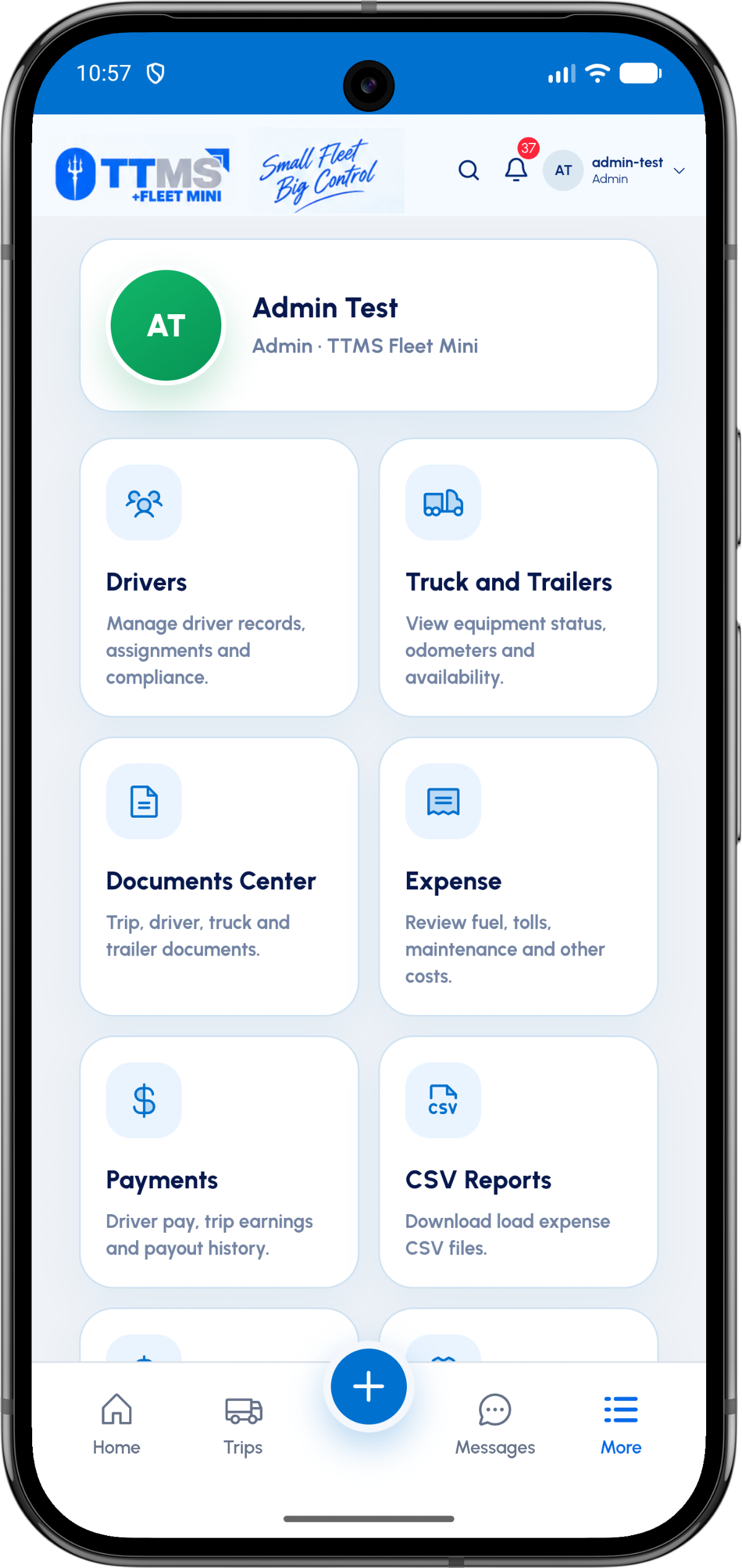
- Truck fields
- Unit number, VIN, plate, make and model
- Trailer fields
- Unit number, VIN, plate, make and model
- Operational state
- Assigned, active, unavailable or available
- Evidence
- Equipment-specific documents
Identify each asset precisely
A unit number is useful for daily operations, while VIN, plate, make and model distinguish the legal and physical asset. Both levels belong in the equipment profile.
Validation should prevent obviously incomplete identifiers without forcing fleets to use one naming convention.
Expose assignment and availability
The owner needs to know whether a truck or trailer is assigned, active, held for review, out of service or available. Status should be driven by real assignments and workflow events.
A completed trip may still hold equipment until its envelope review is finished.
Keep equipment evidence separate
Registration, insurance, inspection and maintenance files are equipment documents, not load documents. The Documents Center can retain this distinction while keeping access mobile.
Expiry dates can support reminders without mixing compliance files into trip paperwork.
OPERATIONAL SEQUENCE
A workflow an owner and driver can both follow
The route ribbon makes the relationship between actions visible. Each step leaves context for the next person and the final review.
- 1Create equipment profile
- 2Add identifiers and documents
- 3Assign to a load
- 4Update odometer and status
- 5Release after trip review
QUESTIONS & ANSWERS
Questions fleets ask
Can trucks and trailers have separate profiles?
Yes. They are distinct equipment records with their own identifiers, documents and assignment state.
Can a trip show both truck and trailer?
Yes. The trip card can display the assigned driver, truck and trailer together.
What does available mean?
Available indicates that the equipment is not held by an active assignment or another configured operational restriction.
Can equipment documents have expiry dates?
Yes. Registration, insurance or inspection records can carry dates used for review and reminders.
Last reviewed: September 18, 2026. Product scope and terminology checked against the current mobile experience.